

Bloom
A bright, playful storefront with plenty of colour.

Change any of them in the Theme Builder.
Retail
A calm, appetising storefront: blue enamelware and butter.
A calm, appetising look for food and grocery shops, with an aisles mega-menu and a daily pick on the homepage.
Pick it while setting up your store, then customise it in the NextCart dashboard. Already have a store? Open the dashboard.
Theme Builder
Open the Theme Builder in your NextCart dashboard and edit your shop while you watch. Nothing goes live until you save.
Click a headline, button or label in the preview and type. Search every piece of text, and reset any line to the original.
Start from the theme’s default palette or a preset, then pick your brand colors. Hover shades follow, and low-contrast text is flagged.
Upload images once to your media library, then click any hero, sub or offer banner in the preview to swap it.
A bright, playful storefront with plenty of colour.

A bright, app-like storefront for the weekly grocery shop.
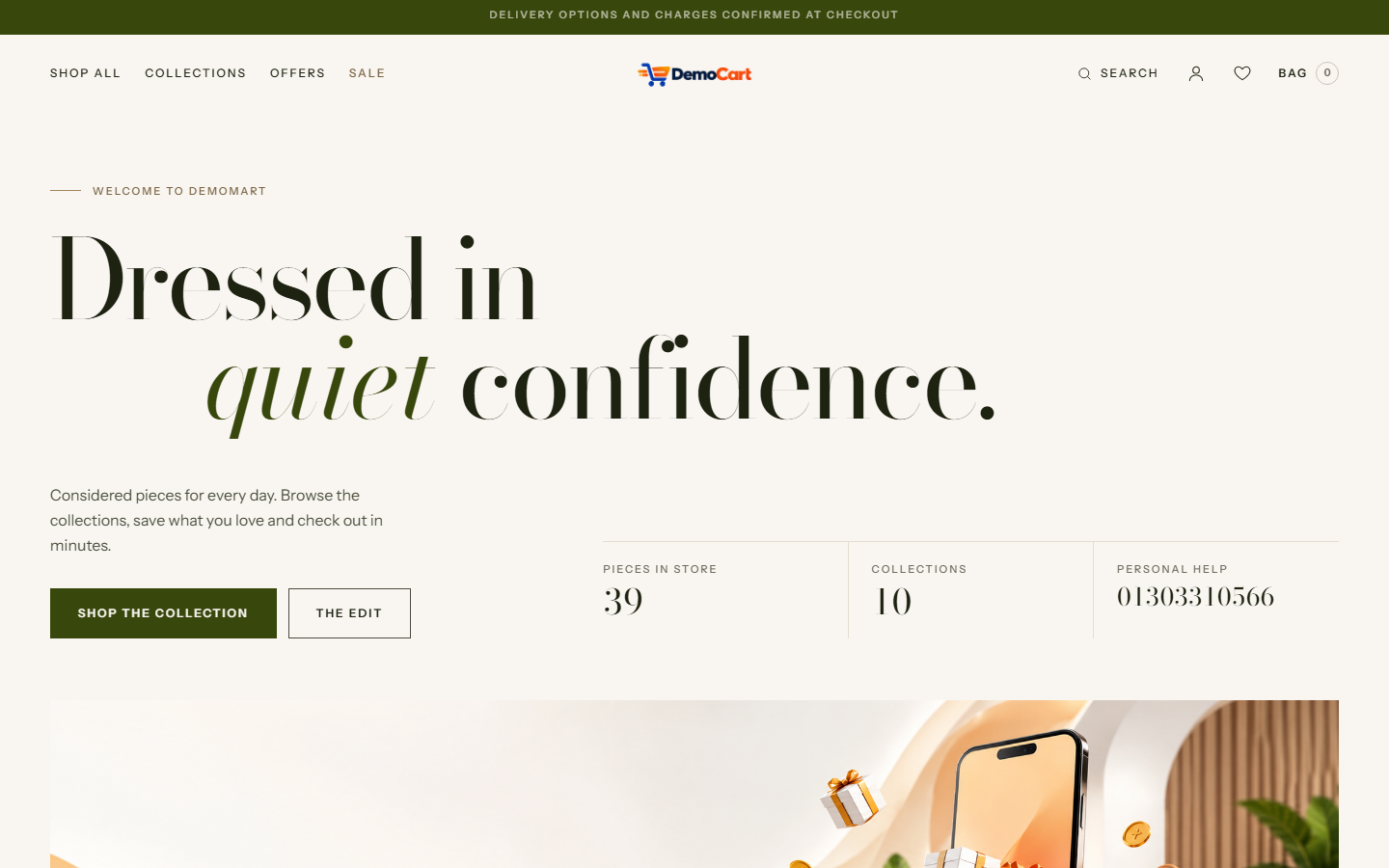
Editorial layouts for apparel and accessories.